


Data safety signs are important warnings that every person who uses a smartphone or computer should learn to spot. Everyday people post online and shop on websites and download app programs without thinking much about where their personal info goes. When bad actors get access to your online accounts or your personal computer you might not notice anything wrong right away. However your phone and email accounts will usually start showing small warning signals that tell you something is wrong. In this article we will look at six clear warning indicators that show your private information might be in serious danger.
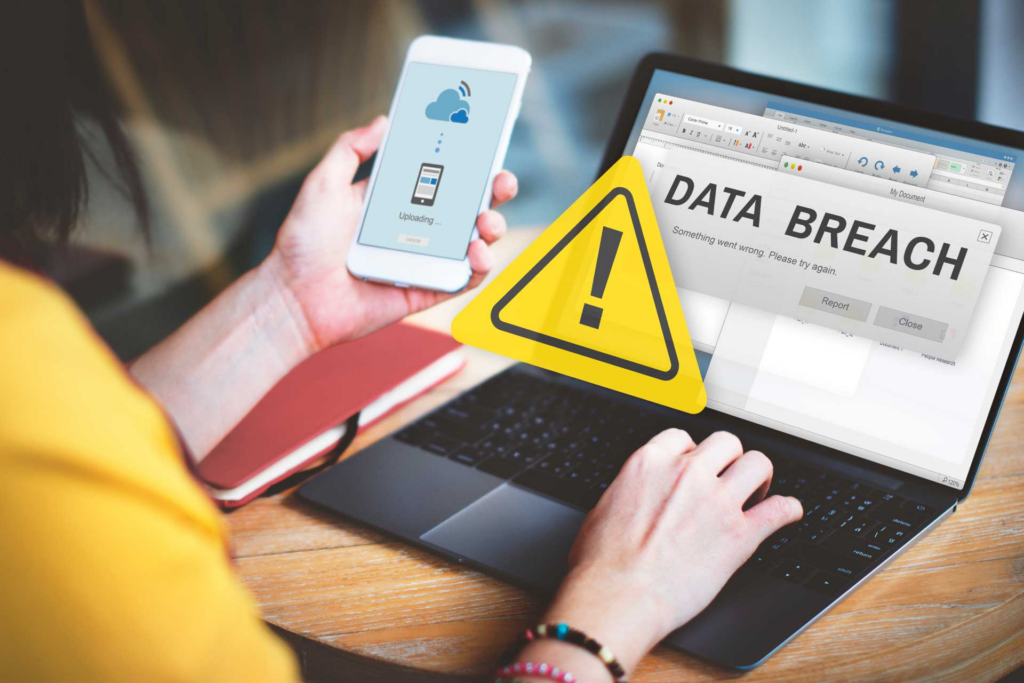
Data safety signs and what happens when your personal info leaks online
Most people do not worry about online security until their money disappears or their social media profile gets completely hacked. Hackers use simple tricks like fake email links and stolen passwords to peek into your personal life without your permission. When your account passwords get leaked onto public lists bad actors try those same passwords on every popular app and shopping site they can find. Catching these early warnings quickly gives you a chance to change your passwords before real damage happens.
Now let us look at six common signals that mean your private information might be exposed.
1. Data Safety Signs: Unexpected password reset emails arriving in your inbox
One of the most obvious data safety signs is getting sudden emails asking you to reset a password for an account you were not using. When a stranger tries to log into your social media or online banking account they often click the forgot password button. If you did not request that password change yourself it means someone else is currently trying to break into your profile. Never click the links inside those random emails because bad actors might be trying to trick you into typing your login details on a fake website.
2. Strange charges showing up on your bank statement
Checking your bank account every week helps you spot small suspicious charges before your whole bank account gets emptied out. Thieves often test stolen credit card numbers by buying small things like a cheap coffee or a dollar online subscription first. If that small charge goes through without a problem they will immediately buy expensive electronics or gift cards. Spotting these small unusual transactions early is one of the most vital data safety signs that tells you to freeze your card right away.
3. Your phone battery draining way faster than usual
If your mobile phone suddenly gets very hot in your pocket or loses battery power in just a few hours something strange might be happening in the background. Certain hidden spy software and malicious apps constantly track your location and send your photos to remote computer servers. This constant background work uses up a lot of internet data and drains your phone battery quickly. Keeping an eye on sudden hardware changes like battery drain gives you early data safety signs that your device has hidden malware installed.
4. Friends receiving weird spam messages from your accounts
When your friends or family members tell you that they received strange links or virus files from your account you need to act fast. Hackers who break into social media accounts or email lists send automated messages to all your contacts to spread malware further. You might not see these messages in your sent folder because the hacker deletes them immediately to hide their tracks. Hearing about strange messages from your contacts is a clear signal that your account security has been compromised.
5. Pop up ads appearing even when your web browser is closed
Seeing random pop up ads on your phone home screen or desktop computer is a major red flag for device security. This usually means you accidentally downloaded adware or a malicious app bundle while trying to download free games or movies. These unwanted ad programs track your web browsing habits and read your search history to show targeted ads. Paying attention to these annoying ad pop ups gives you clear data safety signs that your device needs a full security cleanup.
6. You get locked out of your online profiles suddenly
The worst feeling is opening your favorite app or email inbox only to find out that your regular password no longer works. When hackers gain full access to your account they immediately change the login password and recovery phone number so you cannot get back in. They do this to buy themselves time to steal your personal photos and private messages and money. Being suddenly locked out of your daily account is one of the final data safety signs that your personal data is fully exposed.
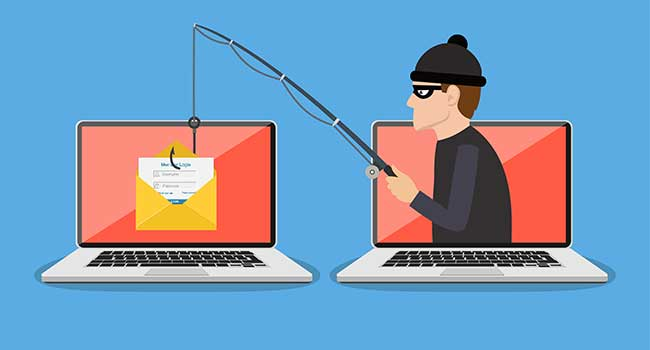
Simple habits that keep your information safe online
You do not need to be a computer expert to protect your personal files and accounts from online threats.
- Use long unique passwords for every single website and store them in a secure password notebook or manager app.
- Turn on two factor authentication so every login requires a quick text code sent to your personal phone.
- Never click on strange links sent by people you do not know in emails or direct messages.
Taking these basic security steps cuts your chances of getting hacked by a huge margin. Watching out for data safety signs helps you keep your personal files safe while browsing the internet.
Final thoughts on protecting your digital life
Online safety requires a little bit of daily attention because cyber criminals use new tricks every single day. Paying attention to how your phone behaves and checking your bank accounts regularly keeps you one step ahead of trouble. If you see any strange activity on your phone do not ignore it and hope it goes away on its own. Taking fast action when you spot these data safety signs is the best way to protect your money and your privacy.