

Dangerous phone apps are a growing security threat that can break into your device and access sensitive personal information every single day. Many users download programs that look completely harmless like simple photo editors games or utility tools without knowing what is hidden inside. Once you click the allow button these programs can quietly track your location read text messages and monitor your photos.
Operating systems like Android and iOS try to protect users but sneaky malware still tricks people into giving away access. Understanding how these dangerous phone apps trick ordinary users is the first big step to keeping your personal files fully protected.

Read Also: Is AI Getting Out Of Control?
Why dangerous phone apps trick users into giving permissions
Many malicious programs do not break into devices by using complex coding tricks or technical exploits alone. Instead dangerous phone apps rely on social engineering to fool users into handing over critical system permissions willingly.

For instance a basic flashlight program might ask for access to your microphone contact list and camera for no logical reason. Once granted these dangerous phone apps can harvest your private data in the background and send it off to remote servers without warning.
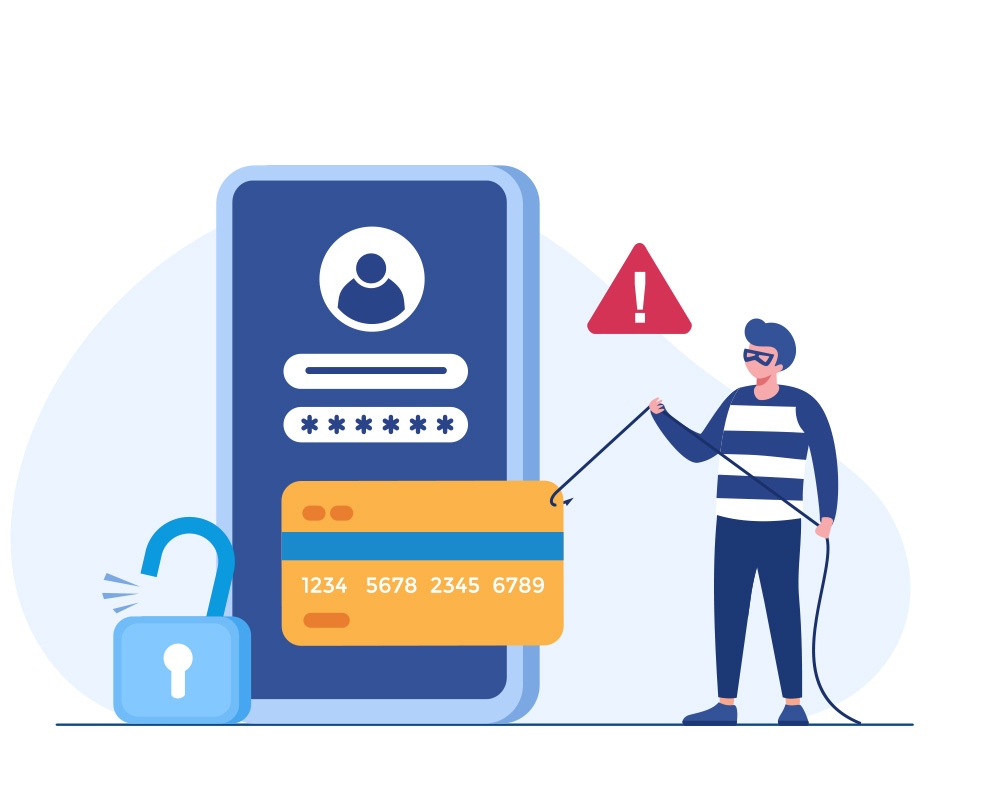
Security tools like Google Play Protect scan installed programs to spot suspicious activity but remaining vigilant about permissions is still vital.
Here are 6 key points about phone privacy and security threats:
- Malicious software often hides inside basic tools like photo editors and simple mobile games
- Side loading APK files from unknown web sources bypasses standard app store safety checks
- Excessive permission requests like asking for text messages or contacts are major red flags
- Orange and green indicators show up on modern phone screens when cameras or mics record
- Accessibility features are often exploited by spyware to take full control of infected devices
- Turning off built in play protection tools leaves your device vulnerable to financial scams
How permissions turn into active spying tools
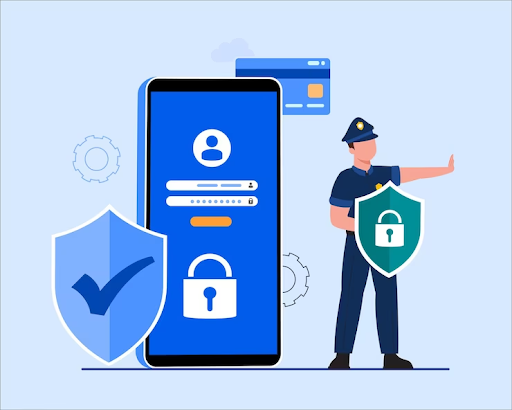
When you grant permissions too easily you give malicious programs full keys to your digital life. Through dangerous phone apps attackers can monitor your daily location history read security codes sent by banks and secretly activate hardware. On iPhone and Android devices system indicators highlight when an app uses the camera or microphone. Checking these privacy indicators helps you catch dangerous phone apps before they can gather sensitive video clips or audio recordings. Limiting app access to only necessary functions stops unknown programs from invading your privacy.
Read Also: Is upgrading to the Apple flagship phone worth your money?
Common signs of an infected mobile device
There are several clear warning signs that show your phone might be holding malicious software right now. When dangerous phone apps run in the background your battery drains much faster and the phone can get very hot. You might also notice strange pop up advertisements unexpected security warnings or unknown icons appearing on your home screen. If a program asks you to disable built in security protections or download updates from random websites you should delete it immediately.
Read Also: How ChatGPT ads expansion Could Reshape Middle East Marketing
Easy steps to protect your personal information
Preventing security problems is much easier than fixing a hacked phone after data gets stolen. You should always download software from official stores and review permission lists in your phone settings regularly. Deleting unused software and keeping your operating system updated reduces the risk posed by dangerous phone apps significantly. Following basic digital safety rules keeps your personal details safe from online scammers.